Pages

Showing posts with label photography. Show all posts

Tuesday, 8 May 2012

Jar Design - EVIL AND DARKNESS

EVIL AND DARKNESS

Source of image: http://tarancouture.blogspot.co.uk
This jar is another jar representing nightmares, but also the evil and darkness we all have inside us. When I think about this I immediately think villains. The first evil villain that comes to mind is the ice queen from the film 'Narnia'. The sophistication of the ice queen relates to what I wanted to put through in my photo shoot; glamorous but dark.


Masha Mel
Masha Mel is a photographer who is part of the Ardorous Collective. I really like her work and below are a few selected images from her website. A lot of Mel's photography is portraiture and I really like how she captured in subjects in each of the images. The girl with the pink, dressed in all pink, holding pink flowers is colour coordinated, and looks like someone from the past. The personalities of each of the subjects are transferred to the viewer through the image, as the models look directly to the camera, so it is like they look at you. Directly looking at the camera does look quite spooky, because it is like the subject can see you.


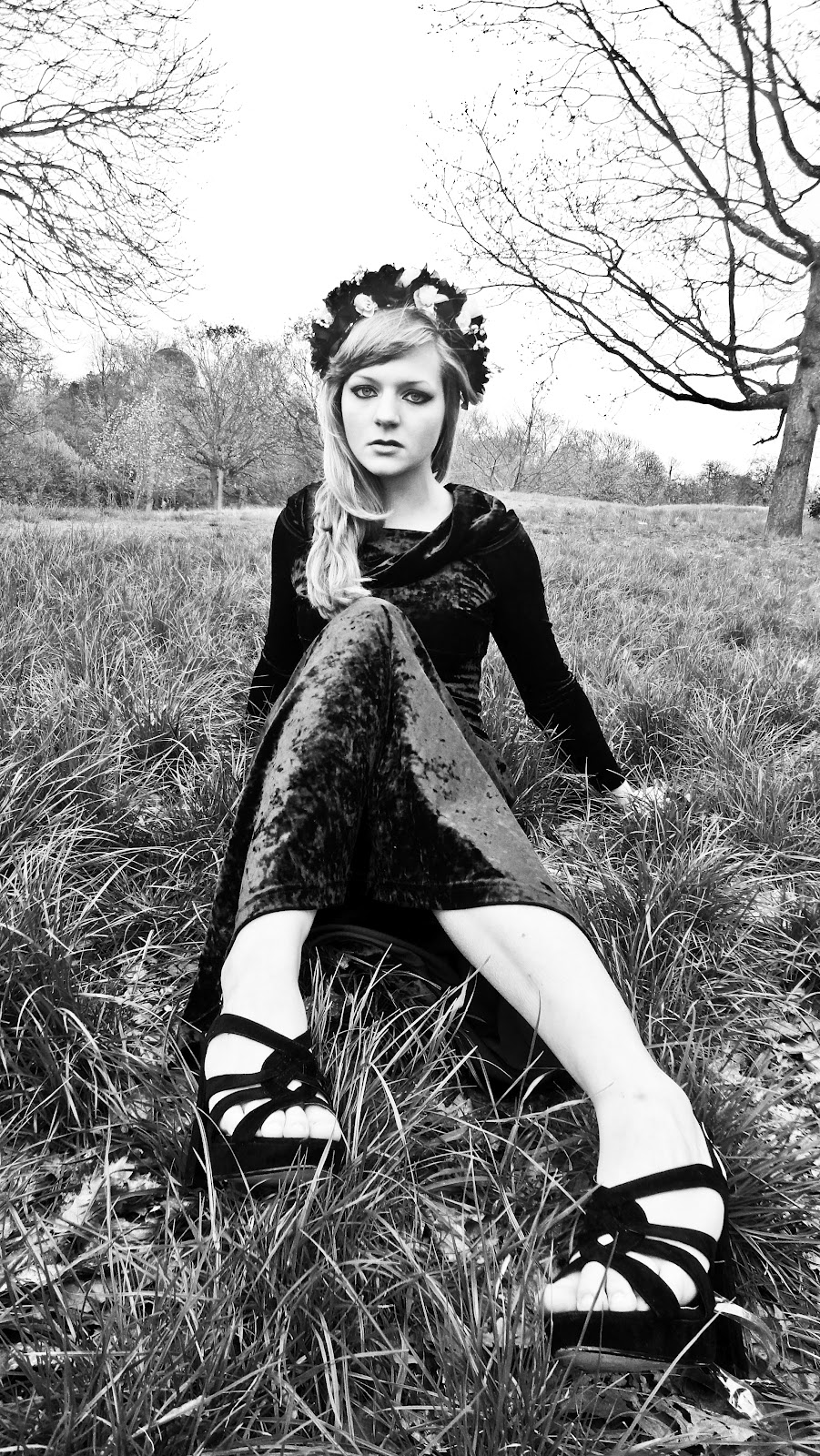
Masha Mel, Lana Del Rey and the ice queen inspired my "Evil and Darkness" photography shoot. I first created a floral head band made from red fake flowers, because red is a colour often associated with evil. I quite like the outcome of my photography, and went on to further edit the best of them to produce photography to a good standard despite having a normal household camera.


-The Jar
The jar for this theme, is to represent the darkness within us. The inside of the lid will be a mirror symbolising the face of evil... Through the mirror I want to shown evil lies within everyone, and we all could be evil. I hope to paint the whole jar black symbolising darkness.  Inside of the jar will have a dislocated dolls arm standing upright, as it is trying to reach out. Glow in the dark stick, will be used to represent the light coming from the darkness. From inside the jar there will be different objects sticking up and sticking out, to add dimension to the piece and to relate more to this idea of evil and darkness.

Monday, 7 May 2012

Playing around with photoshop

-Changing Hair Colour


 Above is a photography I had previously taken, but wanted to further experiment with it, as my final piece will contain photography this was to practice with editing techniques. The photograph is quite a dramatic portrait putting the main focus on the subject at the centre of the image. The image is clear, so I each part of the photograph is defined. In Adobe Photoshop I change the hair colour of the subject, so I could trail how to do this technique. I used pink colours to do this, to highlight a major change in the hair colour. I think it also goes with the dramatic nature of the photograph. Making it look edgy.


Again I have edited a previous photo from a photo shoot I had done in the past. The photograph was a simple portrait, with the subject holding a prop which symbolised her. The use of props to emphasise characteristics was used in the photographer's Piczo's work which I really loved FIND HERE.

In this photograph the prop emphasises the childishness in the subject, and I used purple and browns colours to colour the hair as it adds a fantasy child-like element to the photograph relating to the prop.

My Ink and bleach trail combined with my photography


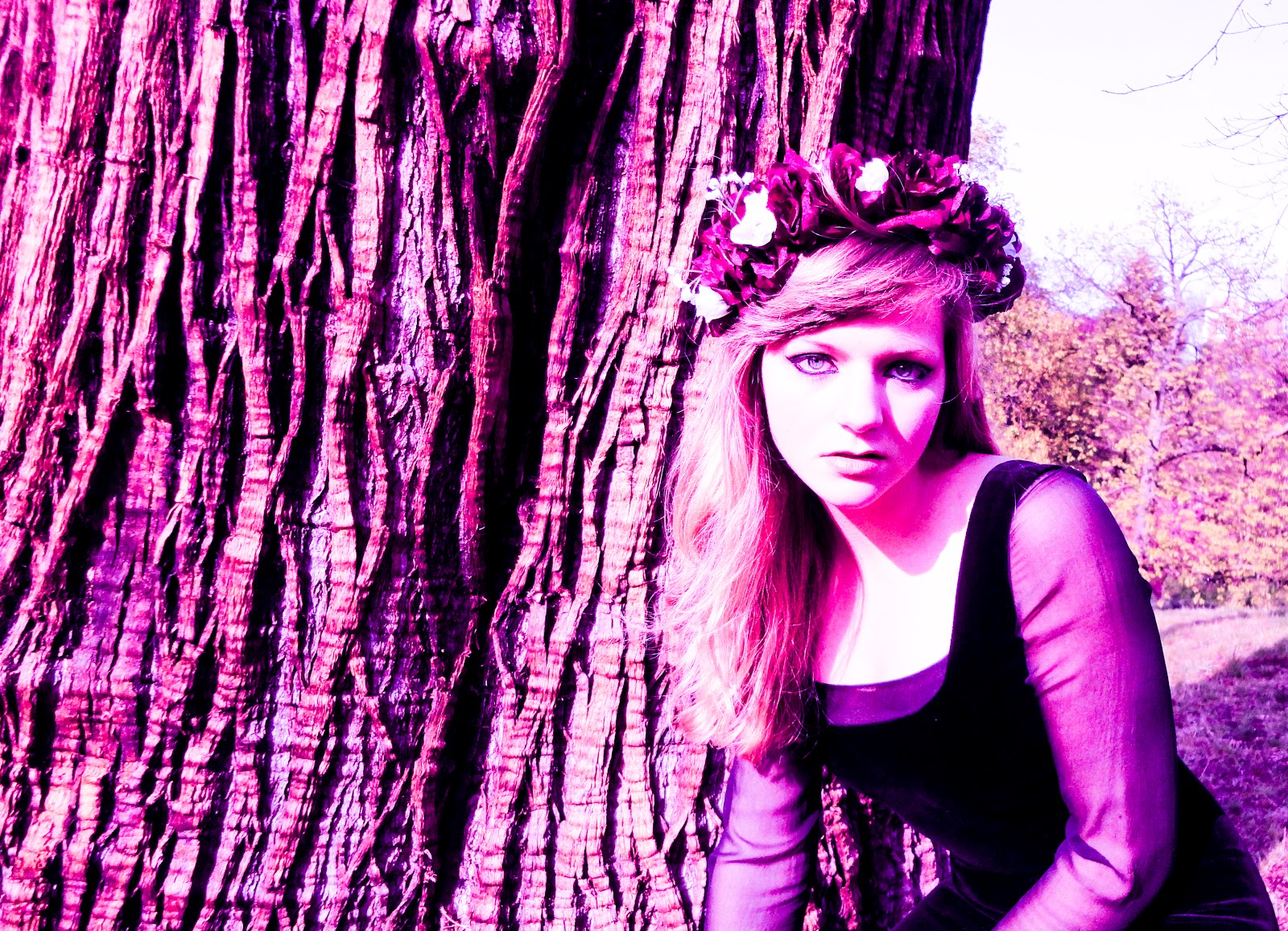
Here is a photograph taken from my floral photo shoot. I used the 'rule of thirds' to capture this image, and I really like the outcome of it. 


I then put the photograph into Adobe Photoshop and alter the colour using colour blending and gradient tools.


Here is the bleach and ink trail I created. I like the symmetry in the piece, and wanted to further edit it and merge it with photographs I had taken.


I then added the bleach and ink trail to Adobe Photoshop. Combining the bleach and ink trail with the photography. I repeated the image four times, and laid the bleach and ink trail on top of the photography. Once it was on top I used the opacity tool and the colour blending tool, to edit the image. The outcome of this was negative.  With the image below I use a less harsher effect to edit this using only opacity so the bleach and ink trails merge into the photography. I really like the outcome of this, and I think I will use this in one of my jars, as a wallpaper. Creating wall paper for jar like the wall paper that was created by artist Juilette Joseph which I discovered when researching jar art; http://ifeakinroyejegraphics.blogspot.co.uk/2012/05/using-jars-to-present-work.html